

Download Honista APK

✅ Security Verified
Download Honista APK
The Honista APK Download process is mainly for Android users. The application is usually provided as an APK file. This means users install it outside the normal Play Store. Before downloading, check the Android requirement and file size. Also check that the APK comes from a source you trust. Android may ask permission for installing unknown applications. The setting name can differ between phone brands. After installation, users can open the app and explore settings. It is useful to check privacy options before regular use. The app can then be adjusted according to personal settings. The steps below explain the basic installation process in simple form.
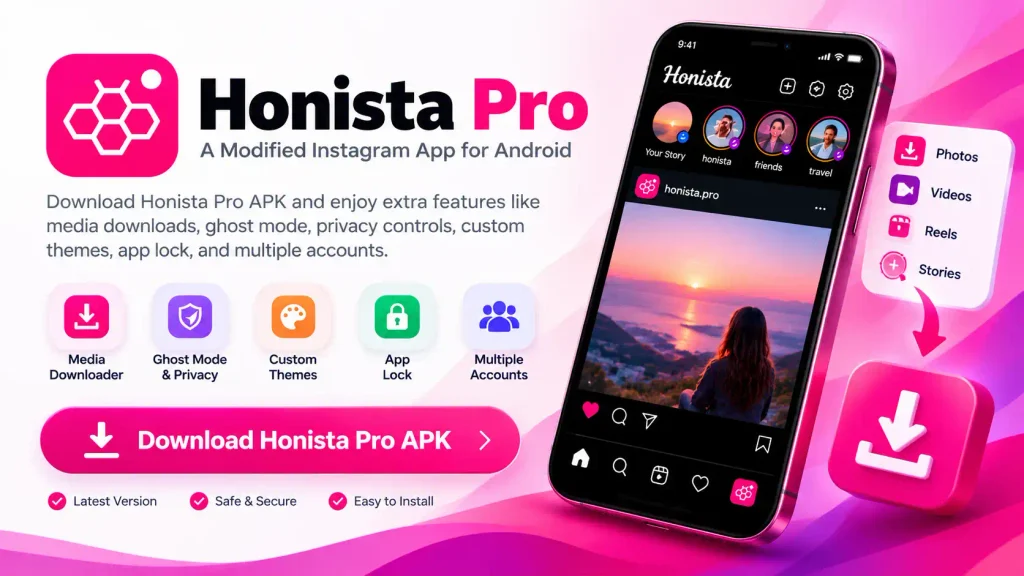
Steps to Download and Install Honista APK
Honista APK Download for Android
Honista APK is mainly distributed for Android devices. Users can download the APK and install it manually. First, check that the Android version meets the APK requirement. Then download the file and open it from storage. Android may request permission for unknown app installation. After installation, open the application and check its settings. Current listings commonly show Android 9 or newer for recent builds.
Honista APK App Download for iOS
Honista APK is mainly known as an Android APK application. Some websites claim to provide iOS installation methods. However, these options are not consistently available or official. Users should be careful with unknown profiles and installation files. The Apple App Store does not normally list Honista Pro. For this reason, iOS users should check availability carefully before installing anything.
Honista APK Application for PC
Honista APK can potentially run on a PC through an Android emulator. An emulator creates an Android environment inside the computer. Users can install a compatible emulator and then load the APK. The process is similar to installing the app on Android. PC performance depends on the emulator and computer hardware. Compatibility can also change with newer Honista releases.